Review AI changes in your spreadsheet
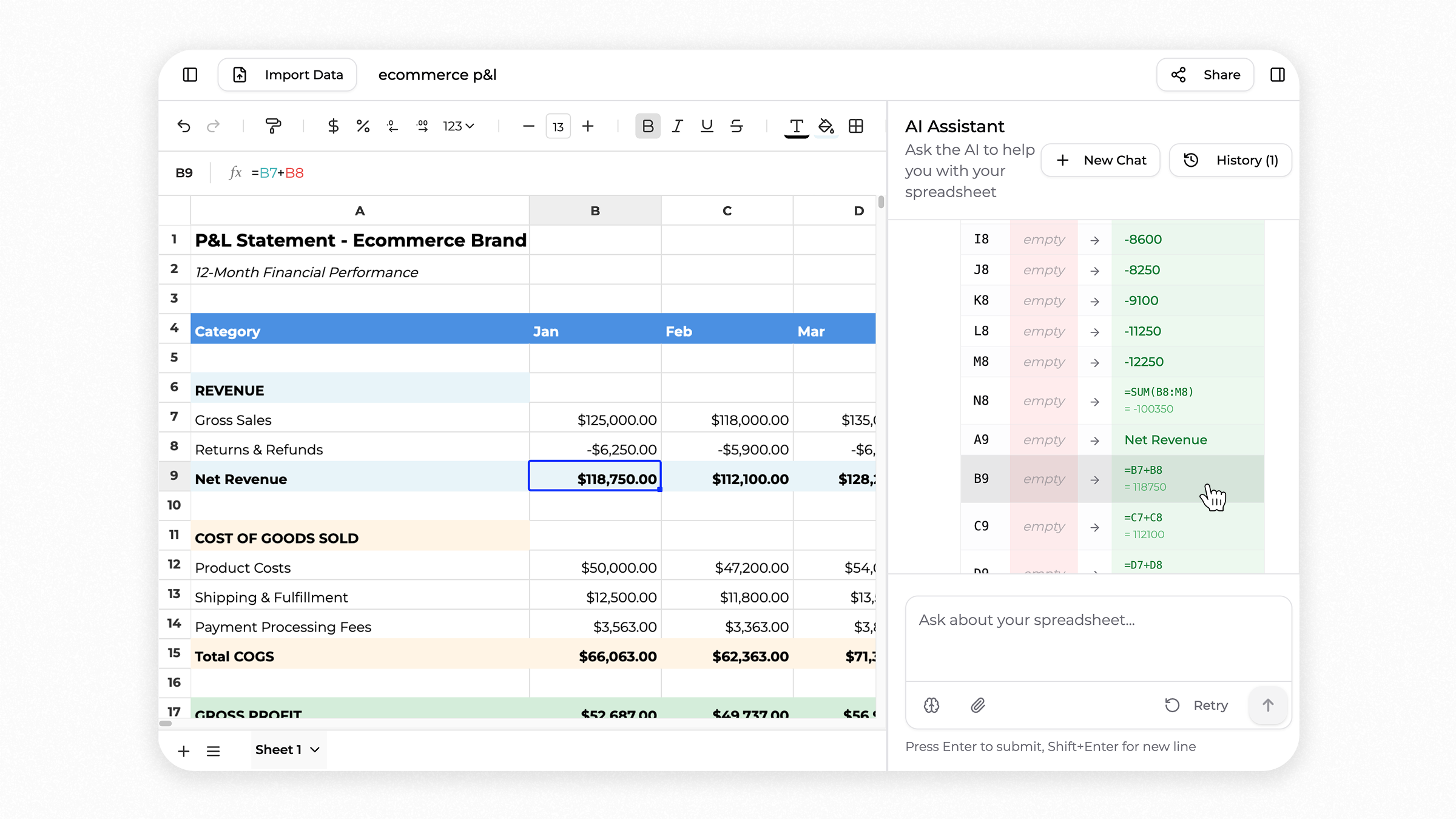
Superworker now highlights the changes the AI agent makes in your spreadsheet, so you can clearly see what was updated.
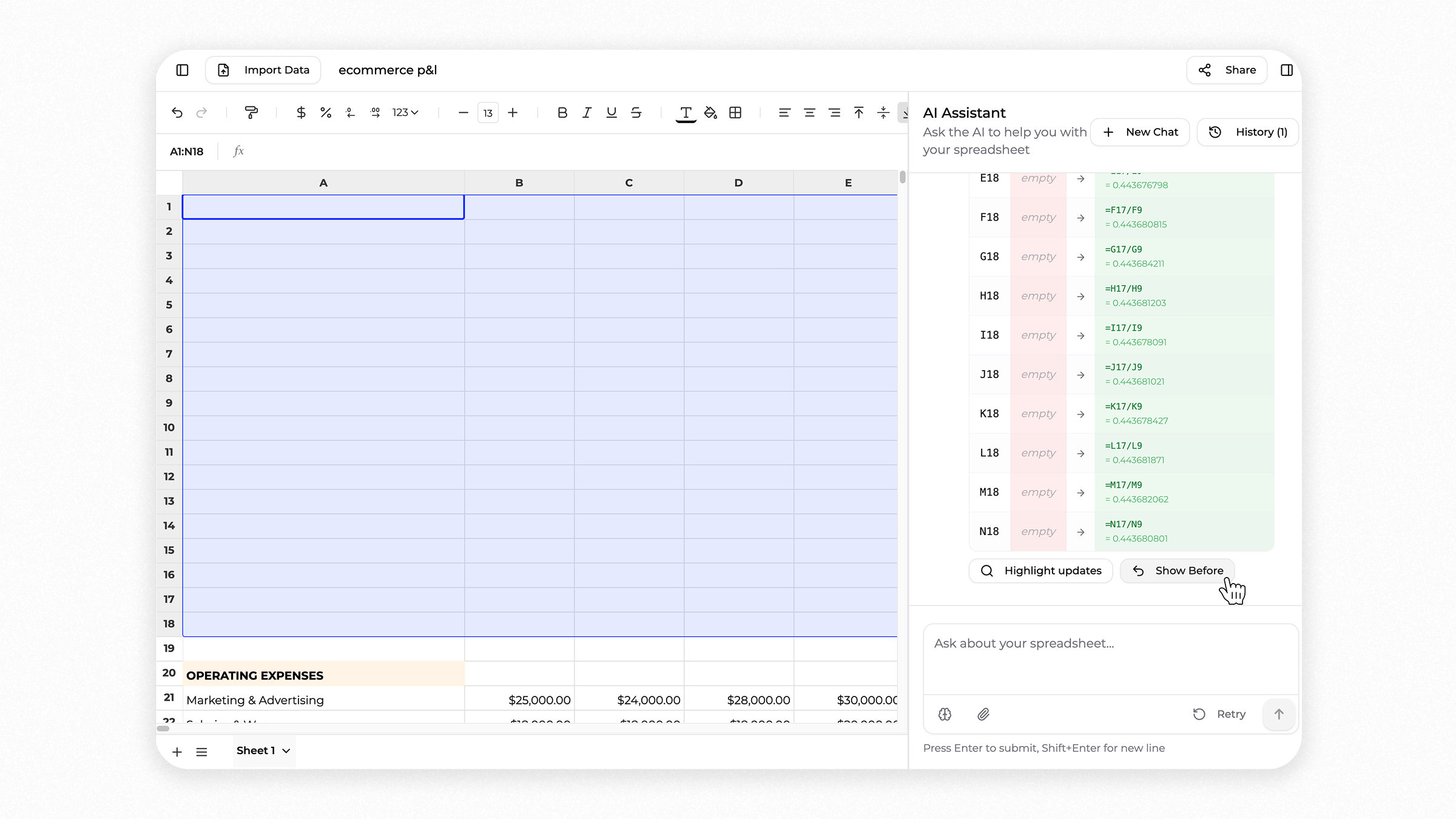
If the result is not what you expected, you can undo the AI's changes and return to how your spreadsheet looked before.
Example: Building an ecommerce P&L
A finance or ops manager at a Shopify store or DTC brand asks the AI to generate a 12 month profit and loss spreadsheet using plain language.
The AI builds the P&L directly in the spreadsheet, adding revenue, cost of goods sold, marketing spend, operating expenses, and margins across each month.
As the AI works, Superworker highlights every change it makes. You can see which cells were updated, what values or formulas were added, and how the numbers were calculated.
If something doesn't look right, you can undo the AI's changes and return to the spreadsheet as it looked before.
This makes it easier to review Shopify financial reports, ecommerce marketing budgets, or operational dashboards without losing control of your data.
Works great for:
- Shopify P&L and margin tracking
- DTC brand financial planning
- Ecommerce marketing budget reviews
- Agency client reporting