Why did marketing performance change?
Investigate shifts across spend, orders, customer mix, campaigns, and the signals used to measure the result.
Blended ROAS · last 30 days
▼ 18%
Scan your Shopify store for tracking issues. Then connect your marketing data to see what’s working, what to fix, and what to do next to grow sales.
Public data only. Create an account to continue and see your results.
or book a demoStart with your store URL. End knowing where to spend next.
Ad tracking health
Enter your URL. Agents walk your storefront like a customer and audit your tracking.
Add Shopify and the marketing sources behind your growth.
Shopify sees zero ad sources on its events.
Turn findings into fixes, so the numbers you act on are worth trusting.
Your top 3 moves
1. Shift budget to Search – Brand+
2. Pause overlapping Meta ad sets
3. Restore utm_source at checkout
Get insights on campaigns and channels, and a clear next move to grow sales.
Browsing agents move through your storefront like a shopper and audit the signals your reports depend on. When those signals break, your reports credit the wrong campaigns, and budget follows.
Pages checked
3 of 4
Signals observed
12
Issues found
2
Screenshots
Ad tracking health
Shopify sees zero ad sources on its events — every sale it records looks like it came from nowhere.
Your top 3 moves
1. Fix the tag that strips ad sources before Meta, GA4, and Shopify see them.
Shopify pixel
632 events
Google Ads
36 events
Meta Pixel
15 events
GA4
12 events
Connected data verifies each fix · re-checked after every change
Connect Shopify and the marketing sources relevant to the question.
Scan my storeTracking fixed, data connected. Superworker works across your sources, finds what deserves more budget, and turns it into moves you can make this week.
Which campaigns are actually driving new-customer revenue?
Worked through 12 steps
Looked at your website traffic · Google Analytics
DetailsChecked your Google Ads performance
DetailsChecked your Meta Ads campaigns
DetailsPulled your attribution · Triple Whale
DetailsLooked at your email flows · Klaviyo
DetailsGot data from Google Search Console
DetailsChecked your Shopify orders and customers
DetailsLooked through your Google Sheets
DetailsWhich campaigns are actually driving new-customer revenue?
Worked through 12 steps
From your last 30 days, one thing stands out. I put the full breakdown in the report →
Insight report · last 30 days
OpenOne Search campaign is your growth engine.
Search – Brand+ drives 31% of new-customer revenue on just 12% of spend — the strongest return in your account.
Your top 3 moves · this week
Open1. Double down on Search – Brand+
How you’ll know: share of new-customer revenue ↑ — check in 14 days
2. Pause the two overlapping Meta ad sets
3. Re-check tracking after the utm fix
What do you want to automate?
Start from an example
Weekly performance report
What changed and your next moves, every Monday morning.
Daily budget check
Flag campaigns drifting from target before spend piles up.
Tracking health check
Re-walk the journey and confirm signals after each change.
Ask follow-up questions in plain language without losing the sources and assumptions behind the answer.
Keep the dashboards, spreadsheets, reports, and agency partners that already work. Use Superworker to investigate across them and decide what should happen next.
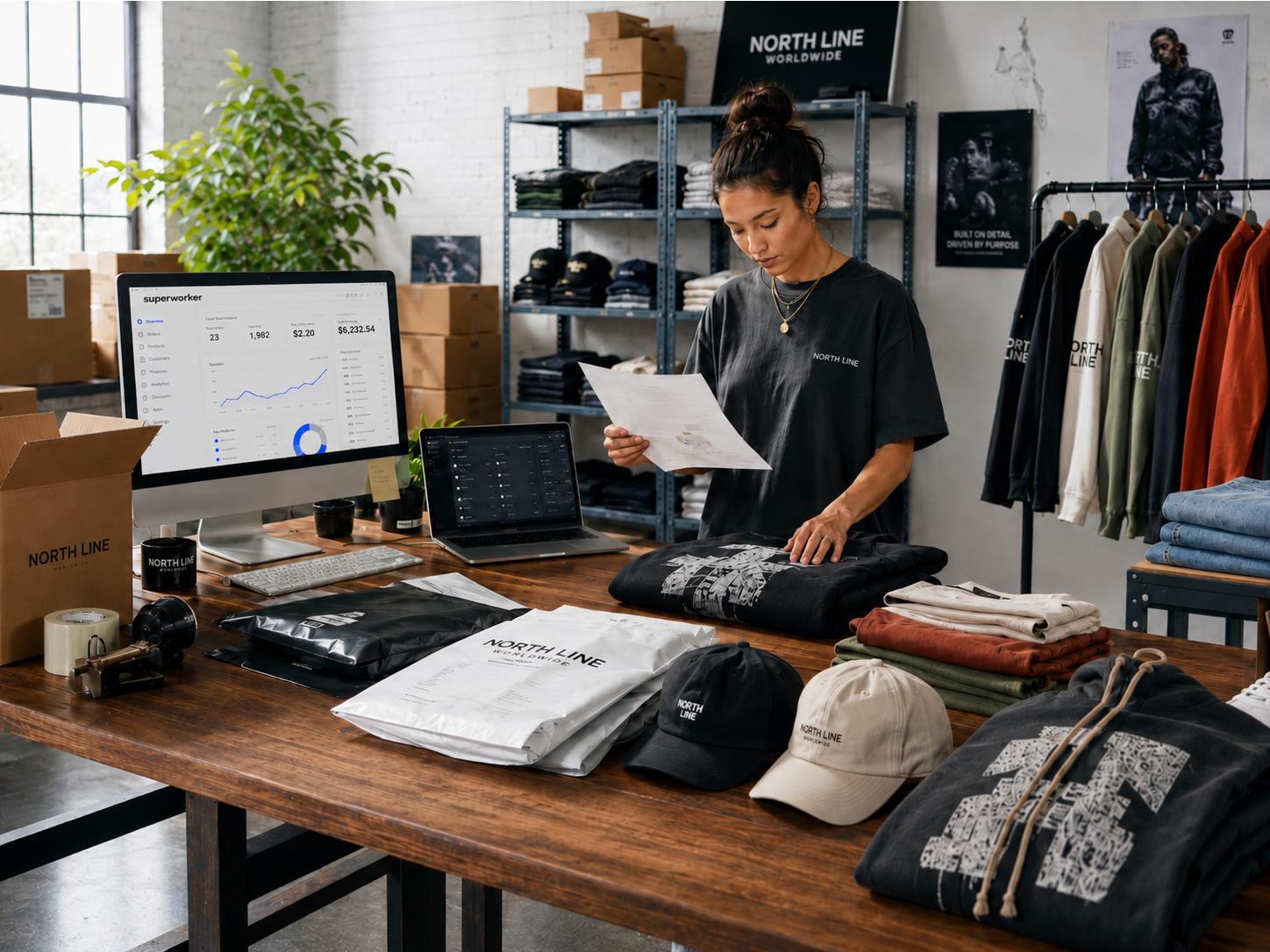
Book a demo to walk through the scan, discuss the reports or numbers you do not trust, and see how connected data can support a deeper investigation.
Only your Shopify store URL. You do not need to connect Shopify or a marketing account for Superworker to begin inspecting externally observable tracking behavior.
The scan can report what its browsing agents directly observe, including campaign-tag persistence, visible conversion signals, journey coverage, and other observable tracking behavior. Private order, customer, campaign-cost, and account data require the relevant sources to be connected.
Connect Shopify and the marketing sources relevant to your question. Superworker uses that context to investigate performance, explain what changed, and recommend what to review or do next.
Yes. After connecting your sources, you can ask questions in plain language and follow up while keeping the relevant evidence and assumptions in view.
It does not have to. Superworker can work across the tools, reports, spreadsheets, and partners you already use.
Scan your Shopify storefront for observable tracking problems. Connect your data when you are ready to understand what is driving sales and which action to take next.
Create an account to continue the scan and see your results.